.circle {
position: absolute;
height: 20px;
width: 20px;
border-radius: 50%;
box-shadow: 0 2px 4px rgba(0, 0, 0, 0.5);
opacity: 0.9;
z-index: 1000;
} var numCircles = 8;
var circles = [];
var positions = [];
var colors = ["#C90119", "#F63603", "#FCB717", "#01A69A", "#20A1E3", "#1EA1E4", "#400284", "#AB0089"]; // Create circles
for (var i = 0; i < numCircles; i++) {
var circle = document.createElement("div");
circle.classList.add("circle");
circle.style.backgroundColor = colors[i];
document.body.appendChild(circle);
circles.push(circle);
positions.push({
x: window.innerWidth / 2,
y: window.innerHeight / 2 + 200
});
} // Mouse move event
function handleMove(event) {
var x, y;
if (event.type === "mousemove") {
x = event.clientX;
y = event.clientY;
} else if (event.type === "touchmove") {
x = event.touches[0].clientX;
y = event.touches[0].clientY;
} // Move the first circle to the mouse/touch position
positions[0] = { x: x, y: y }; // Move all other circles toward their next neighbor
for (var i = 1; i 768) { // Adjust this value as per your tablet/desktop breakpoint
document.addEventListener("mousemove", handleMove);
document.addEventListener("touchmove", handleMove);
} else {
document.removeEventListener("mousemove", handleMove);
document.removeEventListener("touchmove", handleMove);
}
} // Initial check for screen width on page load
checkScreenWidth(); // Listen for screen resize events and adjust event listeners accordingly
window.addEventListener("resize", checkScreenWidth); const linkElement = document.querySelector(".elementor-item.has-submenu"); linkElement.addEventListener("click", function(event) {
event.preventDefault();
}); linkElement.addEventListener("dblclick", function(event) {
event.preventDefault();
}); linkElement.classList.add("disabled");
#canvas {
position: fixed;
top: 0;
left: 0;
width: 100%;
height: 100%;
} // Get the canvas element
var canvas = document.getElementById("canvas"); // Set canvas width and height to match the browser dimensions
canvas.width = window.innerWidth;
canvas.height = window.innerHeight; canvas.addEventListener("click", function() {
// Clear the canvas
var context = canvas.getContext("2d");
context.clearRect(0, 0, canvas.width, canvas.height);
}); // Get the 2D rendering context
var context = canvas.getContext("2d"); // Variables to track the starting point
var startX, startY; // Event listener for mouse move event
canvas.addEventListener("mousemove", function (event) {
var x = event.clientX - canvas.getBoundingClientRect().left;
var y = event.clientY - canvas.getBoundingClientRect().top;
drawLine(startX, startY, x, y); // Draw a line from the previous position to the current position startX = x;
startY = y;
}); // Event listener for touch move event
canvas.addEventListener("touchmove", function(event) {
event.preventDefault(); // Prevent default touch behavior (e.g., scrolling) var x = event.touches[0].clientX - canvas.getBoundingClientRect().left;
var y = event.touches[0].clientY - canvas.getBoundingClientRect().top;
drawLine(startX, startY, x, y); // Draw a line from the previous position to the current position startX = x;
startY = y;
}); // Function to draw a line with transparency, blur, and changing random color every one second
function drawLine(startX, startY, endX, endY) {
context.beginPath();
context.moveTo(startX, startY);
context.lineTo(endX, endY); var widthMax = Math.random() * 200.0 + 100.0;
var widthMin = Math.random() * 100.0 + 0.0; // Set line width (stroke width)
context.lineWidth = Math.random() * 1000.0 + 0.0; // Set line cap style randomly
if (Math.random() < 0.1) {
context.lineCap = "butt";
} else {
context.lineCap = "butt";
} // Set transparency (alpha value) for the line
context.globalAlpha = Math.random() * 0.5 + 0.0; // Apply blur effect to the line
context.shadowColor = 'rgba(0, 0, 0, 0.0)';
context.shadowBlur = Math.random() * 10 + 5; context.stroke(); // Reset transparency and blur for subsequent drawings
context.globalAlpha = 1;
context.shadowBlur = 0;
} // Function to generate a random color from the colors array
function getRandomColor() {
// Array of available colors
var colors = ["yellow"];
var randomIndex = Math.floor(Math.random() * colors.length);
return colors[randomIndex];
} // Function to update the line color every one second
function updateLineColor() {
var color = getRandomColor();
context.strokeStyle = color;
} // Set initial line color
updateLineColor(); // Update the line color every one second
setInterval(updateLineColor, 1);
Mode- Strick- und Nähkurse
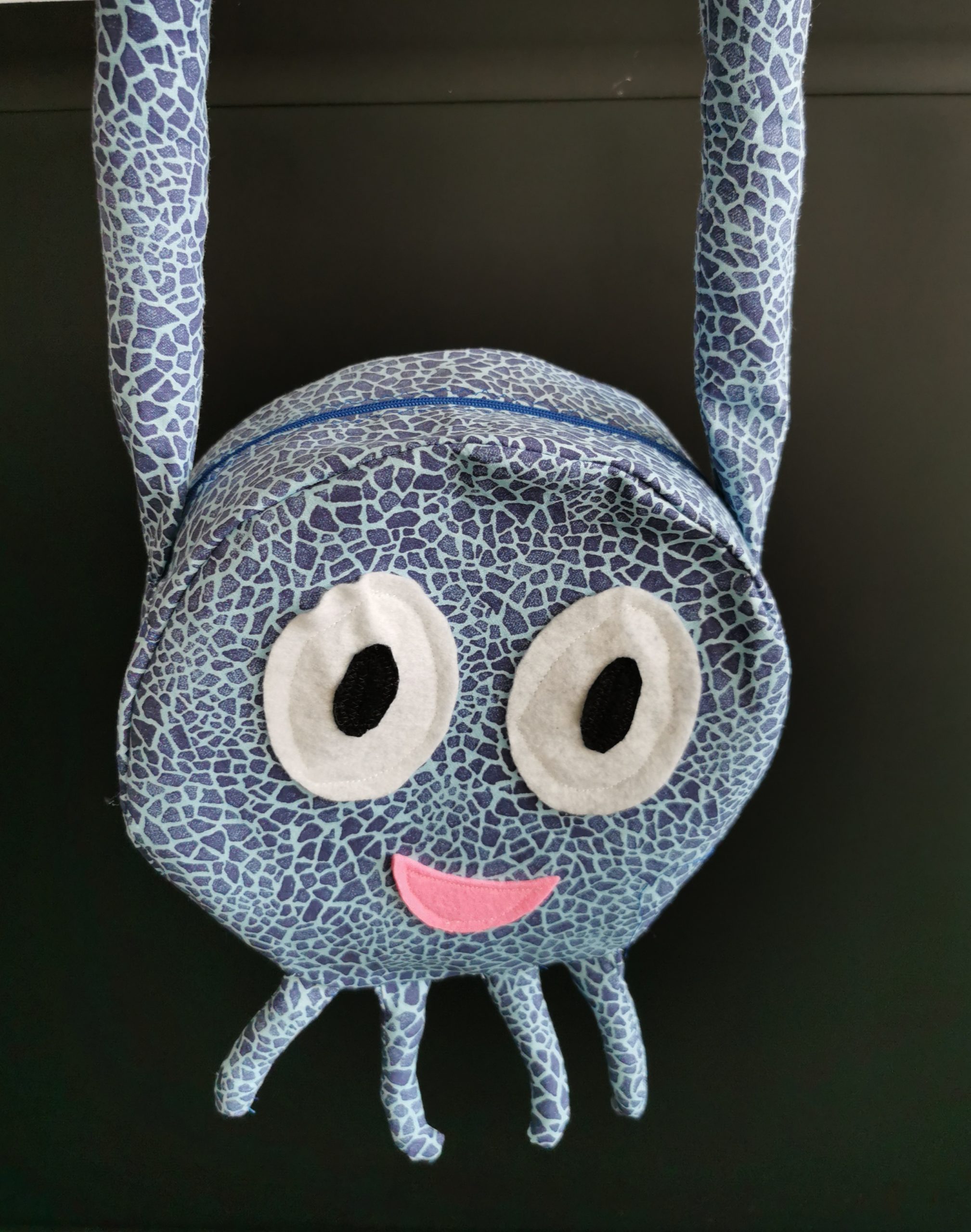
Bei uns in der Textilwerkstatt zeigen wir dir, dass Nähen und Stricken viel mehr als nur Handarbeit ist – es ist eine spannende Reise in die Welt der Kreativität und Selbstentdeckung. In unseren Kursen lernst du nicht nur, wie man coole Mode selbst gestaltet, sondern auch, wie du mit deinen eigenen Händen etwas Einzigartiges schaffst.
Unsere Mode- Strick- und Nähkurse sind perfekt, um nach einer langen Schulwoche zu entspannen und deine Gedanken zu ordnen. Dabei entsteht etwas Besonderes, das du stolz tragen oder an Freunde und Familie verschenken kannst.
Komm vorbei und entdecke, wie viel Spaß es macht, deinen eigenen Stil zu entwickeln und deine Ideen zum Leben zu erwecken!